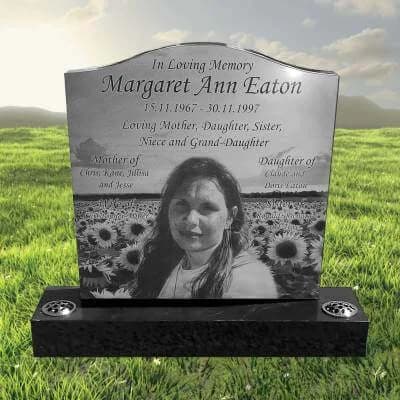
Custom headstones
Laser-Etched Black Granite Headstone
Create a polished black granite headstone with a photographic portrait, personal inscription, and detailed laser-etched artwork.
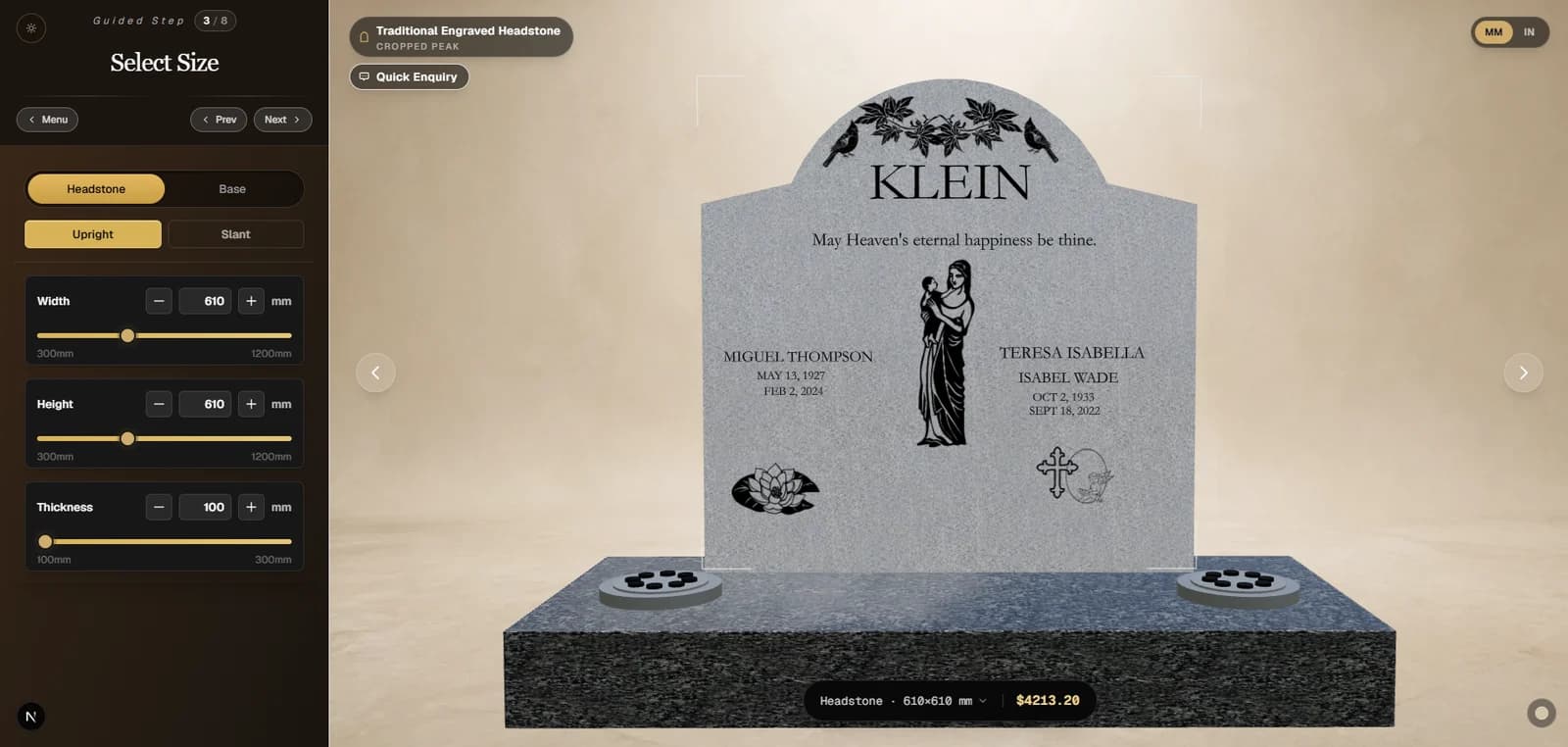
Choose the stone, shape, inscription, and meaningful details in one guided designer. See every change and the price in 3D, then save or share your design when you are ready.
★★★★★ 4.8 from 72 Google reviews
Choose your memorial
Start with the memorial that best suits your family, cemetery, or setting. Each guided designer lets you compare shapes, materials, sizes, inscriptions, images, and meaningful details before ordering.
Custom headstones
Create a polished black granite headstone with a photographic portrait, personal inscription, and detailed laser-etched artwork.
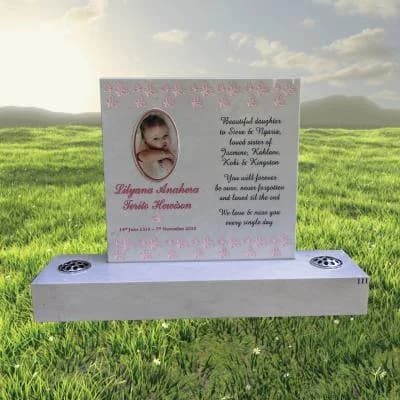
Granite memorials
Choose a traditional granite headstone shape, stone color, engraved wording, motifs, and coordinated memorial accessories.
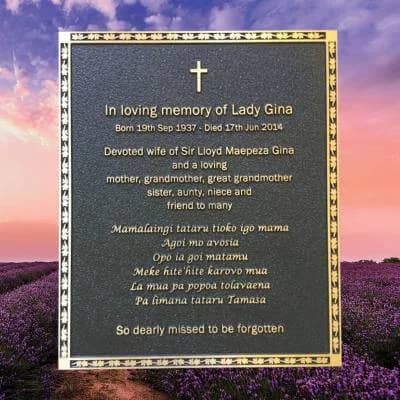
Memorial plaques
Design a cast bronze plaque with a custom border, background, raised inscription, emblems, motifs, and fixing system.
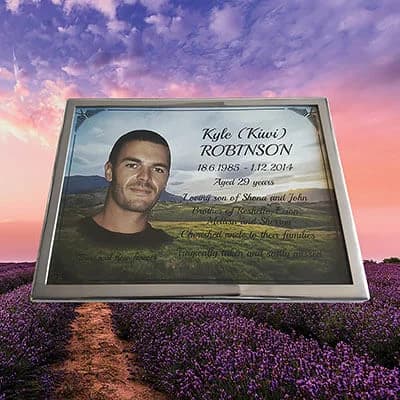
Personalized plaques
Combine photographs, color backgrounds, meaningful text, and decorative details in a durable personalized memorial plaque.
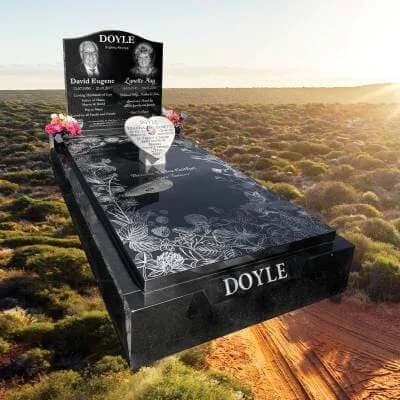
Full monuments
Plan a complete granite monument with a headstone, bases, kerbs, cover, inscriptions, portraits, and coordinated additions.
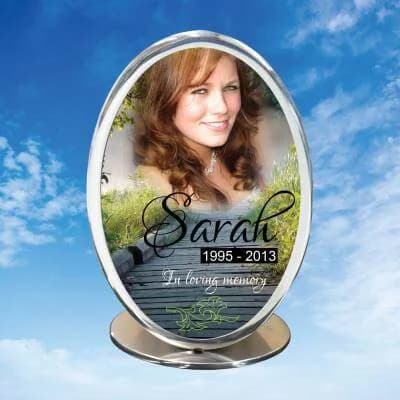
Memorial urns
Personalize a stainless steel vitreous enamel inlaid urn with imagery, color, wording, and a carefully selected finish.
You can save your design, share it with family, and review pricing before making a final decision.
A clear design process
Work through each decision at your own pace. The 3D preview updates as you choose the product, dimensions, wording, and personal details.
Choose a memorial productCompare headstones, plaques, monuments, urns, and pet memorials before opening the designer.
Select the shape, material, size, inscription, portrait, motifs, and available accessories.
Check the 3D preview and pricing, then save or share the proof with family before moving forward.
Memorial design questions
Practical answers about personalisation, cemetery requirements, saving a design, and ordering from your region.
Yes. The Forever Shining design studio lets you choose a memorial type, shape, material, inscription, motifs, and additions with a live 3D preview before you request pricing or place an order.
Yes. You can save a draft, review it later, and share the design proof with family members so everyone can approve the wording and layout before production.
Yes. Cemeteries can set rules for size, material, foundation, and installation. We recommend checking with the cemetery office before final approval and can help review the requirements for your design.
Depending on the memorial product, you can personalize inscriptions, dates, verses, fonts, motifs, photo etching, shapes, materials, sizes, and selected accessories.
Forever Shining primarily serves families across the United States and Canada, with international support available for Australia and Europe. Delivery and installation options are confirmed for each destination.
Need a hand?
We can help with choosing a memorial, materials, wording, and the next step when you are ready.